Control Centre
The iOS panel came to the Mac: Wi-Fi, Bluetooth, brightness, sound and Now Playing pulled out of the menu bar into one place — and you could drag the ones you used most back out again.
At launch
The power of Mac. Taken further.
Overview
Big Sur arrived with the largest visual overhaul since Mac OS X launched in 2001, and two weeks later the first Apple silicon Macs shipped with it already installed.
It also ended the 10.x numbering that had held for nineteen years. Rounded icons on a consistent grid, a translucent menu bar, Control Centre lifted from iOS, a Notification Centre rebuilt around widgets — and underneath all of it, Rosetta 2 quietly translating a decade of Intel software.
The redesign
Squircle icons sized to one grid. Toolbars that merge into the window instead of sitting on top of it. A menu bar you can see the desktop through. Even the system sounds were re-recorded.
Finder, with the Big Sur sidebar and translucency
Features
A redesign on the surface, and an architecture change underneath it.
The iOS panel came to the Mac: Wi-Fi, Bluetooth, brightness, sound and Now Playing pulled out of the menu bar into one place — and you could drag the ones you used most back out again.
At launch
Big Sur shipped two weeks before the first M1 Macs. Universal apps carried native code for both architectures, and Rosetta 2 translated Intel software ahead of running it.
At launch
Notifications grouped by app, and widgets in three sizes stacked in a single column — the design that would find its way onto the desktop three years later.
At launch
A start page you could decorate and rearrange, extensions from the App Store, and a Privacy Report listing the trackers it had just blocked.
At launch
Pinned conversations, inline replies, mentions, searchable photo and link history, and a Memoji editor — the iPhone app rebuilt for the Mac with Catalyst.
At launch
Look Around's street-level imagery, indoor maps for airports and shopping centres, curated Guides, and cycling directions with the hills marked.
At launch
After nineteen years and sixteen releases, the leading number finally moved. Mac OS X 10.15 was followed by macOS 11.0.
At launch
A new energy section charting the last 24 hours and 10 days, and optimised charging that learned your routine before topping past 80 percent.
At launch
macOS moved onto its own cryptographically signed, read-only snapshot, so the Mac could verify the system hadn't been altered every time it started up.
At launch
Rosetta 2
When you opened an Intel app on an M1 Mac, Rosetta 2 translated it into Apple silicon instructions before it ran rather than while it ran — so most apps launched slowly once, and afterwards behaved like they had always belonged there.
It handled almost everything, from Photoshop to games with their own anti-cheat drivers. What it could not do was virtualise x86, which is why Boot Camp did not make the crossing.
Desktop
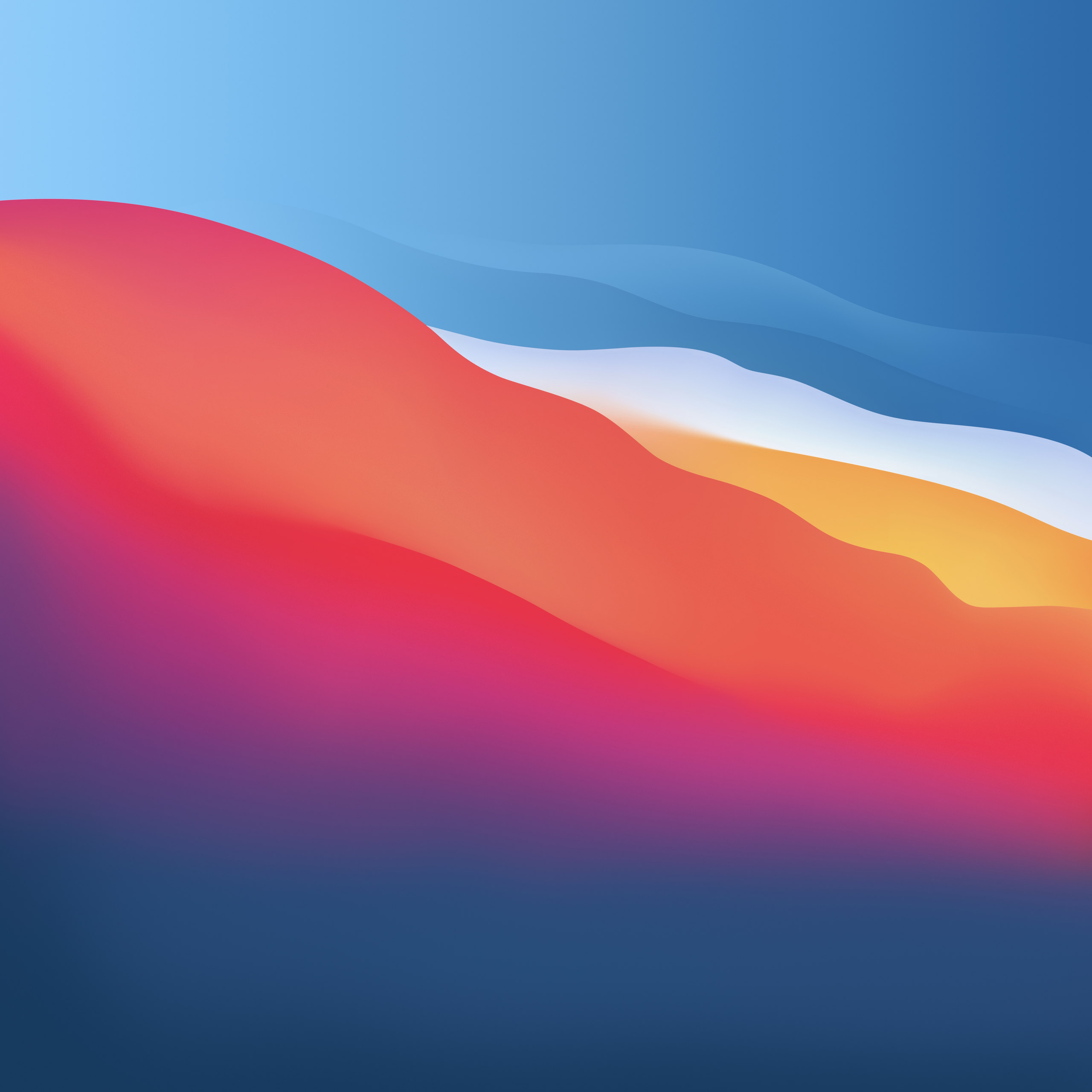
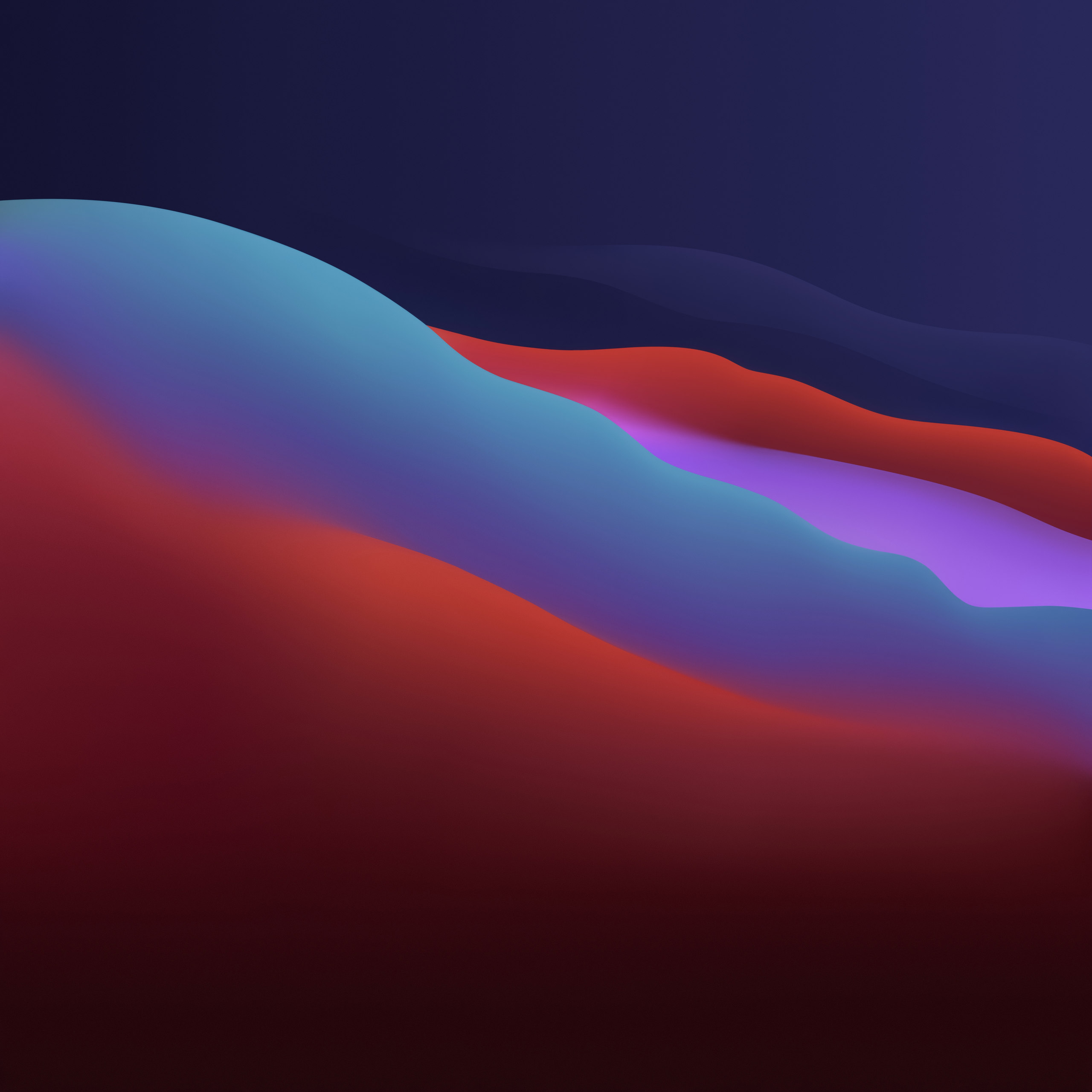
Big Sur's wallpaper reduces the California coastline to bands of colour — afternoon light over the water in Light, dusk coming down in Dark. Pick one and this page follows it, the way the desktop does.
Big Sur shipped it as a Dynamic Desktop: one wallpaper that drifted from the light version to the dark one across the day, following your Mac's clock and location.
Lineage
Apple has named macOS after California landmarks since Mavericks in 2013. Big Sur took the coast road.
Compatibility
Big Sur asked for a slightly newer Mac than Catalina had, retiring the 2012 machines — and it was the first release able to run on Apple silicon as well as Intel.