iPhone widgets
Through Continuity, widgets from apps installed only on your iPhone appeared on the Mac desktop and worked from there. Nothing to download, nothing to sign into twice.
At launch
Yeah, it's a big deal.
Overview
For years the desktop was where files went to be forgotten. Sonoma put widgets on it — including widgets from apps that only existed on your iPhone, running on the Mac without being installed there.
It also turned the screen saver into the desktop: slow aerial footage that keeps playing while you log in and then settles onto a single frame. And it gave games a mode of their own, which the Mac had been asking for since roughly forever.
Desktop widgets
Drag a widget anywhere on the desktop and it stays there. Focus an app and the widgets fade back into the wallpaper's colours, so they never compete with what you are actually doing.
Widgets resting on the desktop, tinted to the wallpaper
Features
A desktop that does something, a screen saver worth watching, and video calls with tricks in them.
Through Continuity, widgets from apps installed only on your iPhone appeared on the Mac desktop and worked from there. Nothing to download, nothing to sign into twice.
At launch
Slow drone footage of coastlines, vineyards and cities that keeps playing straight through the login screen and comes to rest as your desktop picture.
At launch
Gives the running game first call on the CPU and GPU, and doubles the Bluetooth sampling rate so controllers and AirPods answer faster.
At launch
Add to Dock turned any site into a windowless app with its own icon, its own notifications and its own login, kept separate from Safari.
At launch
Separate sets of history, cookies, extensions and tab groups in the same browser — work in one, everything else in the other.
At launch
Puts you in front of the screen you are sharing, either in a small movable bubble or cut out and standing over your own slides.
At launch
Hand gestures in front of the camera fired confetti, hearts, balloons and fireworks across the video call, to the delight or horror of the meeting.
At launch
A shared Keychain group that everyone in a household could add to, with changes syncing to all of them and no messaging screenshots involved.
At launch
The iPad's large clock came to the Mac, with the wallpaper sliding in behind it as the desktop appears.
At launch
Slow television
Sonoma's aerials are long drone shots — Sonoma County vineyards, the Bay, Patagonia, Hong Kong at night — that begin the moment the Mac goes idle and are still running while you type your password.
When the desktop appears the footage decelerates and freezes on one frame, and that frame becomes your wallpaper. There is no cut anywhere in it, so the whole thing reads as a single continuous shot from screen saver to desk.
Desktop
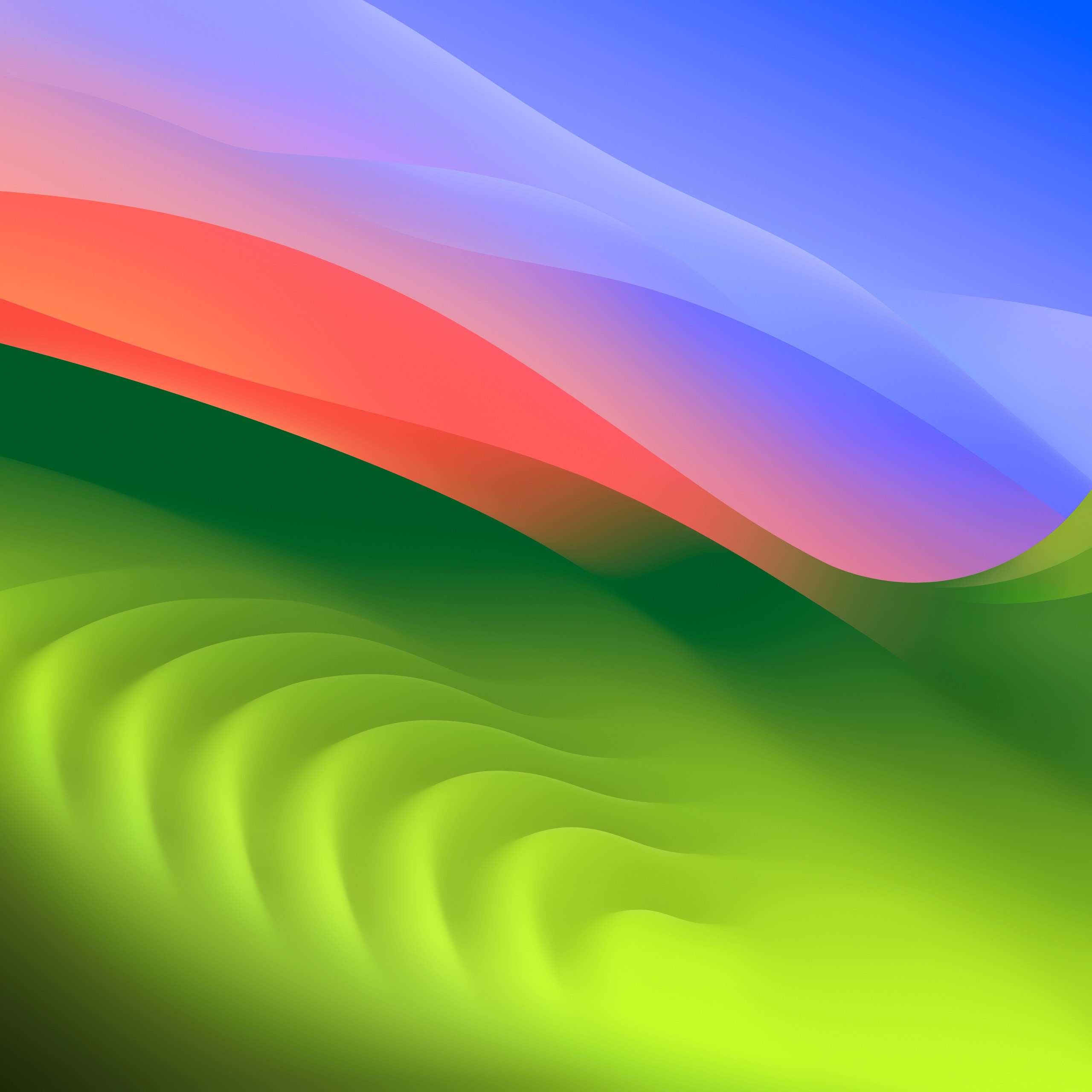
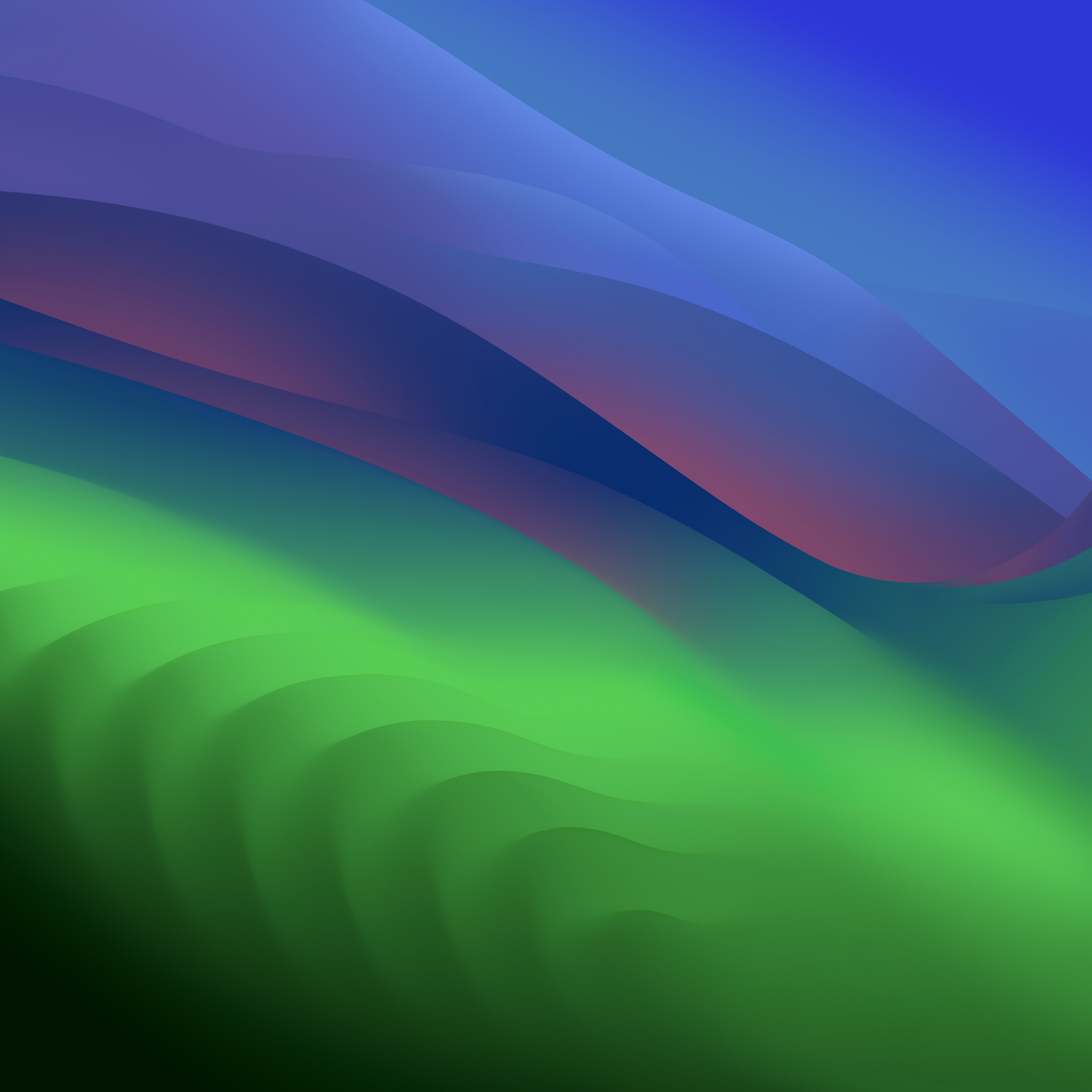
Sonoma's wallpaper is a run of rolling green ridges under a wide sky — full daylight with a coral band in Light, and the same hills gone deep in Dark. Pick one and this page follows it.
Sonoma shipped it as a Dynamic Desktop that drifts between these two through the day, and as an aerial screen saver that comes to rest on this exact frame.
Lineage
Apple has named macOS after California landmarks since Mavericks in 2013. Sonoma took the wine country.
Compatibility
Sonoma dropped the 2017 machines Ventura had kept, including the last 12-inch MacBook and the 2017 MacBook Pro.