Split View
Two apps side by side in a single full-screen space, from the green button. It stayed unchanged until Ventura's Stage Manager arrived beside it.
At launch
Refinement, on the same rock.
Overview
Apple pitched El Capitan the way it had pitched Snow Leopard: same ground, better executed. Apps launched faster, PDFs opened faster, Metal replaced OpenGL for the system's own drawing, and San Francisco arrived to fix the typography Yosemite had got wrong.
The substantive new feature was Split View — two apps sharing a full screen, divided by a bar you could drag. The substantive new restriction was System Integrity Protection, which put parts of the disk beyond the reach of the root user and broke a decade's worth of utilities in the process.
Split View
Hold the green button and a window took half the screen; pick a second app for the other half. The divider dragged, the pair got their own space, and neither one needed to know anything about it.
Two applications sharing a full screen
Features
A short feature list and a long list of things that got faster.
Two apps side by side in a single full-screen space, from the green button. It stayed unchanged until Ventura's Stage Manager arrived beside it.
At launch
Protected system locations from modification even by root. It hardened the Mac considerably and broke a great many long-standing utilities.
At launch
Apple's own screen typeface replaced Helvetica Neue, with separate designs for text and display sizes. Still the system font today.
At launch
The low-overhead graphics API came from iOS and took over the system's own rendering, cutting the CPU cost of drawing the interface substantially.
At launch
"Documents I worked on last June" started returning documents you worked on last June, and the window could finally be moved and resized.
At launch
Rewritten with checklists, sketches, photos, map links and attachments, turning a scratchpad into something people kept things in.
At launch
Sites pinned to the left of the tab bar, always loaded, plus a speaker icon to mute whichever tab had started playing something.
At launch
Windows laid out without overlapping instead of stacked by app, and a new space created by dragging a window to the top of the screen.
At launch
Swipe to delete or mark unread on the trackpad, and full-screen composing that tabbed between drafts.
At launch
Rootless
System Integrity Protection meant that /System, /bin, /sbin and /usr (excepting /usr/local) became unwritable even to a user with root. Kernel extensions needed signing. Processes could not attach a debugger to Apple's own binaries.
It was disruptive — a good deal of long-standing software simply stopped working — and it made a class of malware persistence essentially impossible. Every hardening step since, up to the signed system volume in Big Sur, follows the line El Capitan drew.
Desktop
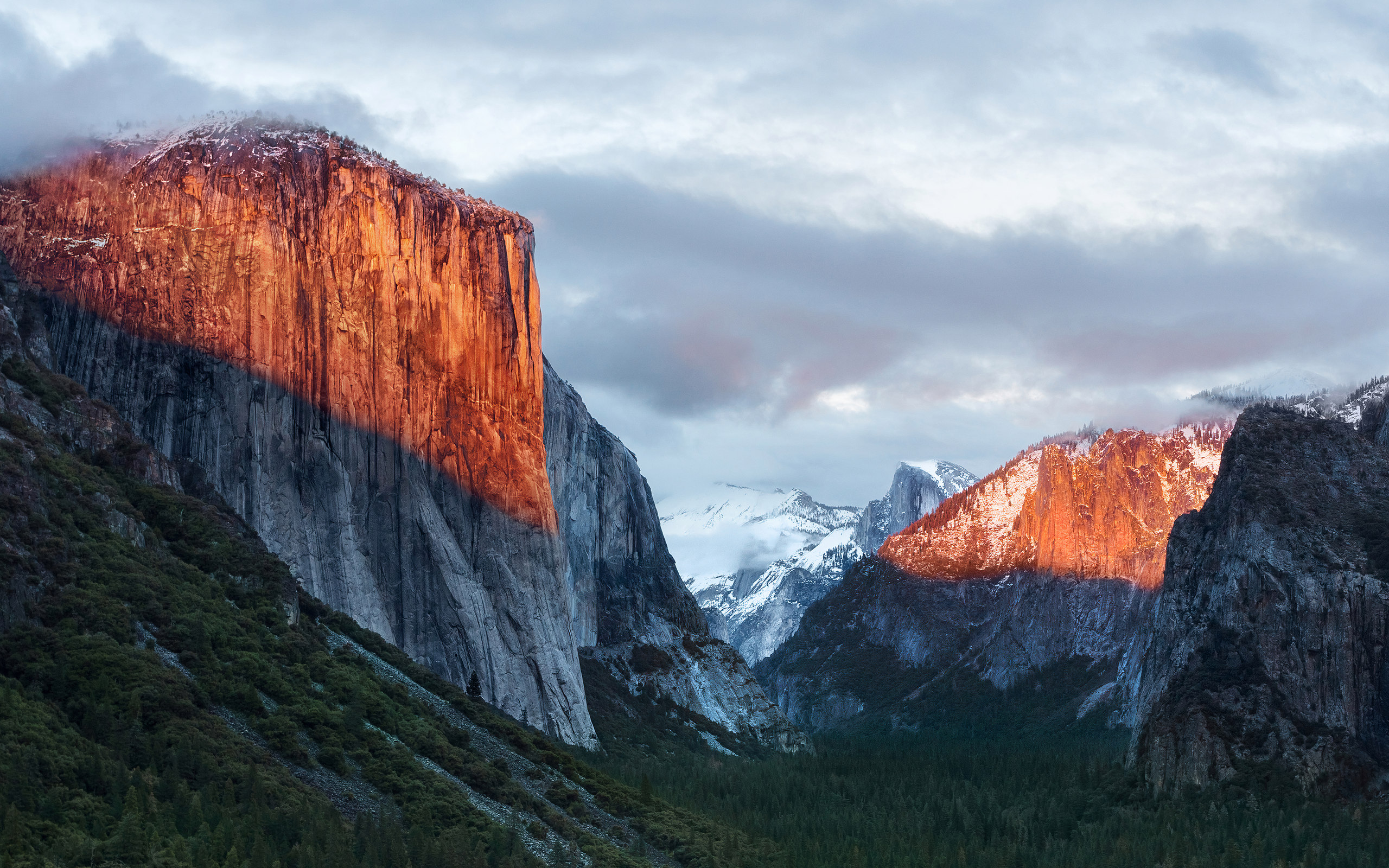
A second year in Yosemite Valley, this time looking down it: El Capitan's face lit orange at sunrise, with Half Dome small in the distance.
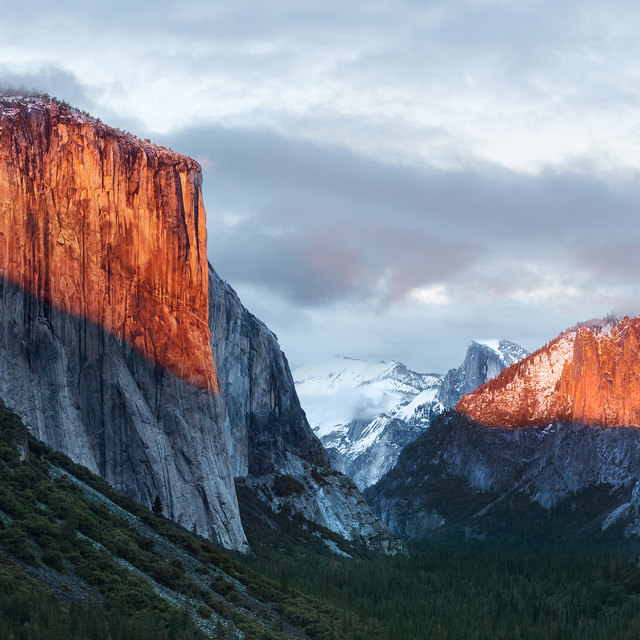 El CapitanSunrise on the valley
There was only ever one. A system-wide Dark Mode did not arrive until Mojave in 2018, so this page's light and dark appearances are ours, not Apple's — the switch in the corner still works, but the desktop of the day looked like this and only this.
Lineage
California landmarks from Mavericks onward — and the second consecutive release named from inside Yosemite National Park.
Compatibility
A third year on the same hardware list. The 2007 iMac and 2008 MacBook were, by this point, running an operating system eight years newer than they were.