APFS
Default on every SSD, converting in place during installation. Copy-on-write, snapshots, native encryption and nanosecond timestamps, replacing a filesystem from 1998.
At launch
Mostly underneath.
Overview
HFS+ had been the Mac's filesystem since 1998, designed for spinning disks and showing it. APFS replaced it: built for flash, with instant copies, atomic snapshots, native encryption and crash protection — and the upgrade converted your startup disk in place, during installation, without moving your files.
Apple's own name for the release said what it was. High Sierra was Sierra's plumbing: Metal 2, HEVC video, HEIF images, external graphics support, and a Safari that began blocking cross-site trackers and auto-playing video by default.
APFS
Copying a file became instant, because APFS shares the blocks until one of them changes. Snapshots are atomic. Space is shared between volumes instead of partitioned. And the conversion ran on your real disk, mid-install, without a backup restore.
The filesystem, rebuilt underneath
Features
Almost none of it visible, and nearly all of it still load-bearing today.
Default on every SSD, converting in place during installation. Copy-on-write, snapshots, native encryption and nanosecond timestamps, replacing a filesystem from 1998.
At launch
A substantially faster graphics stack with machine learning and VR support, and the foundation for external GPU boxes over Thunderbolt 3.
At launch
H.265 encoding and decoding, hardware-accelerated on newer Macs — roughly the same quality as H.264 in about half the space.
At launch
The image format iPhone had just switched to, halving photo sizes. The Mac had to understand it or nobody's library would open.
At launch
Safari began using on-device machine learning to cut off cross-site trackers — an industry fight that is still running.
At launch
Video that started playing by itself was stopped by default, per site, which changed a good deal of publisher behaviour overnight.
At launch
Proper tables inside notes, plus pinning the notes you keep coming back to at the top of the list.
At launch
Composing in full screen next to the message list, with mailboxes on disk compressed to about a third of their previous size.
At launch
A rebuilt editor with curves and selective colour, persistent edits across devices, and third-party editing extensions.
At launch
The last of the 10.x
Mac OS X 10.0 shipped in 2001 with a version number that implied a 10.1, perhaps a 10.5. Instead the minor number kept climbing for nineteen years, through fifteen releases, three processor architectures and four names.
Big Sur finally moved it to 11 in 2020. High Sierra sits close to the end of that run — the second-to-last release of the decade and a half that the Mac spent as version ten point something.
Desktop
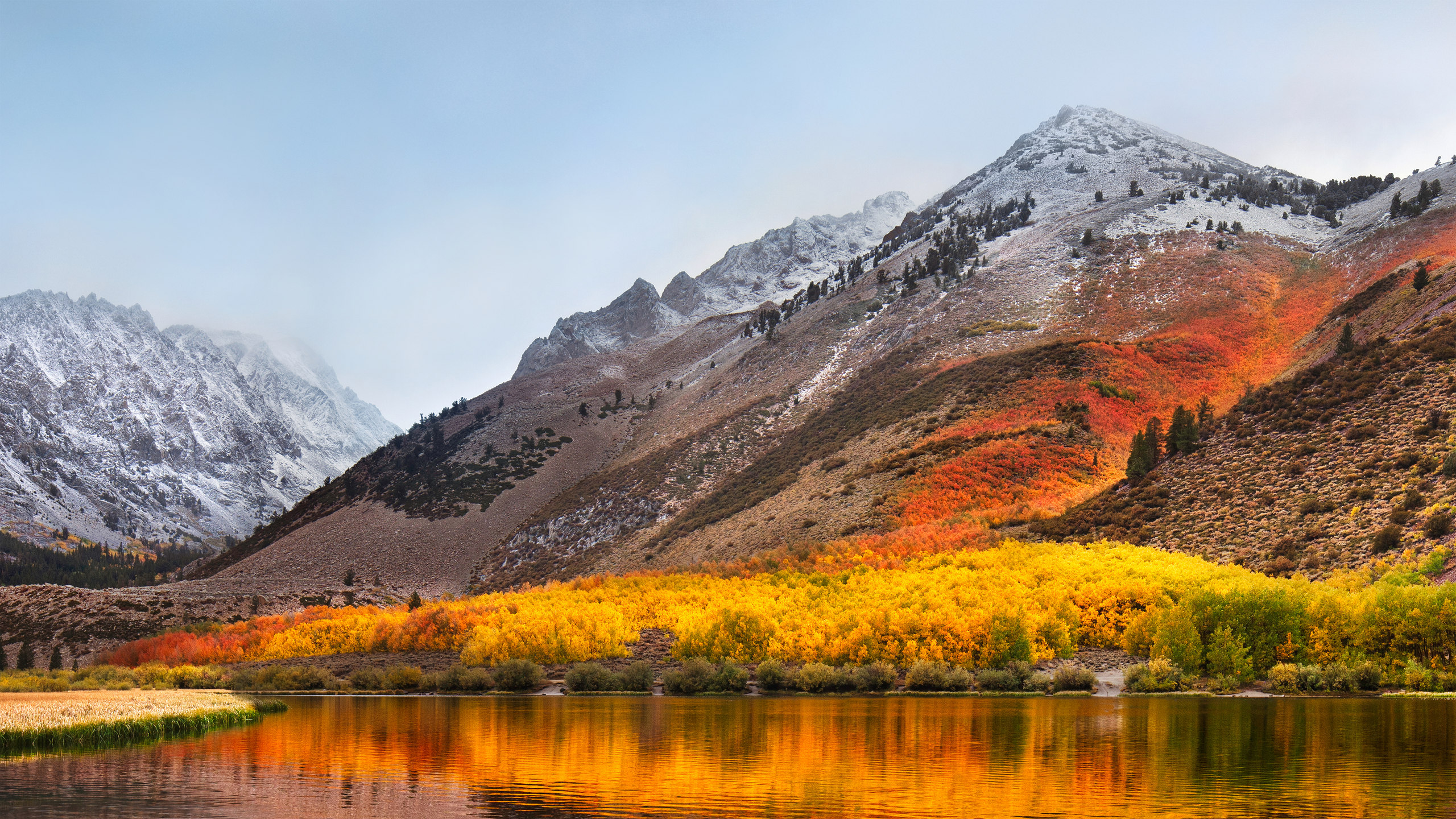
The same mountains as Sierra a year later and a season on — aspens turning gold above a still lake, with fresh snow on the peaks behind.
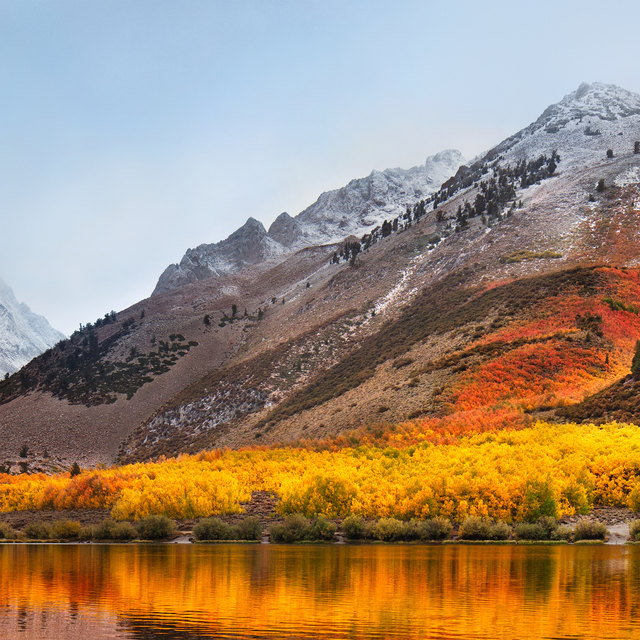 High SierraAspens turning, above the lake
There was only ever one. A system-wide Dark Mode did not arrive until Mojave in 2018, so this page's light and dark appearances are ours, not Apple's — the switch in the corner still works, but the desktop of the day looked like this and only this.
Lineage
California landmarks from Mavericks onward — Apple's second consecutive year in the Sierra Nevada.
Compatibility
The same machines Sierra ran on. APFS conversion was automatic on flash storage and left Fusion Drives and spinning disks on HFS+ for the time being.