Dark Mode
The whole system redrawn dark, with an API so third-party apps could adopt it properly rather than inventing their own approximations.
At launch
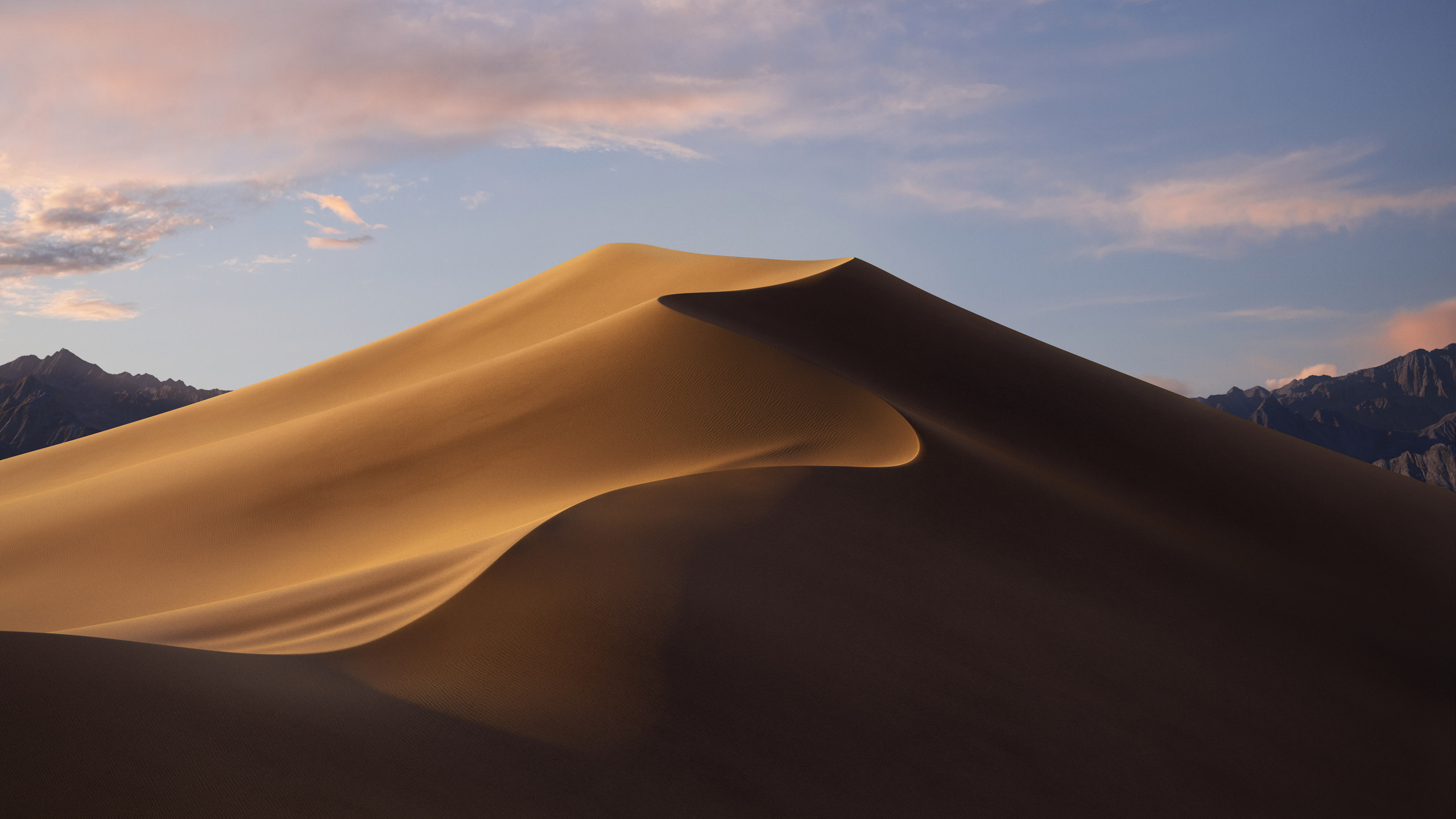
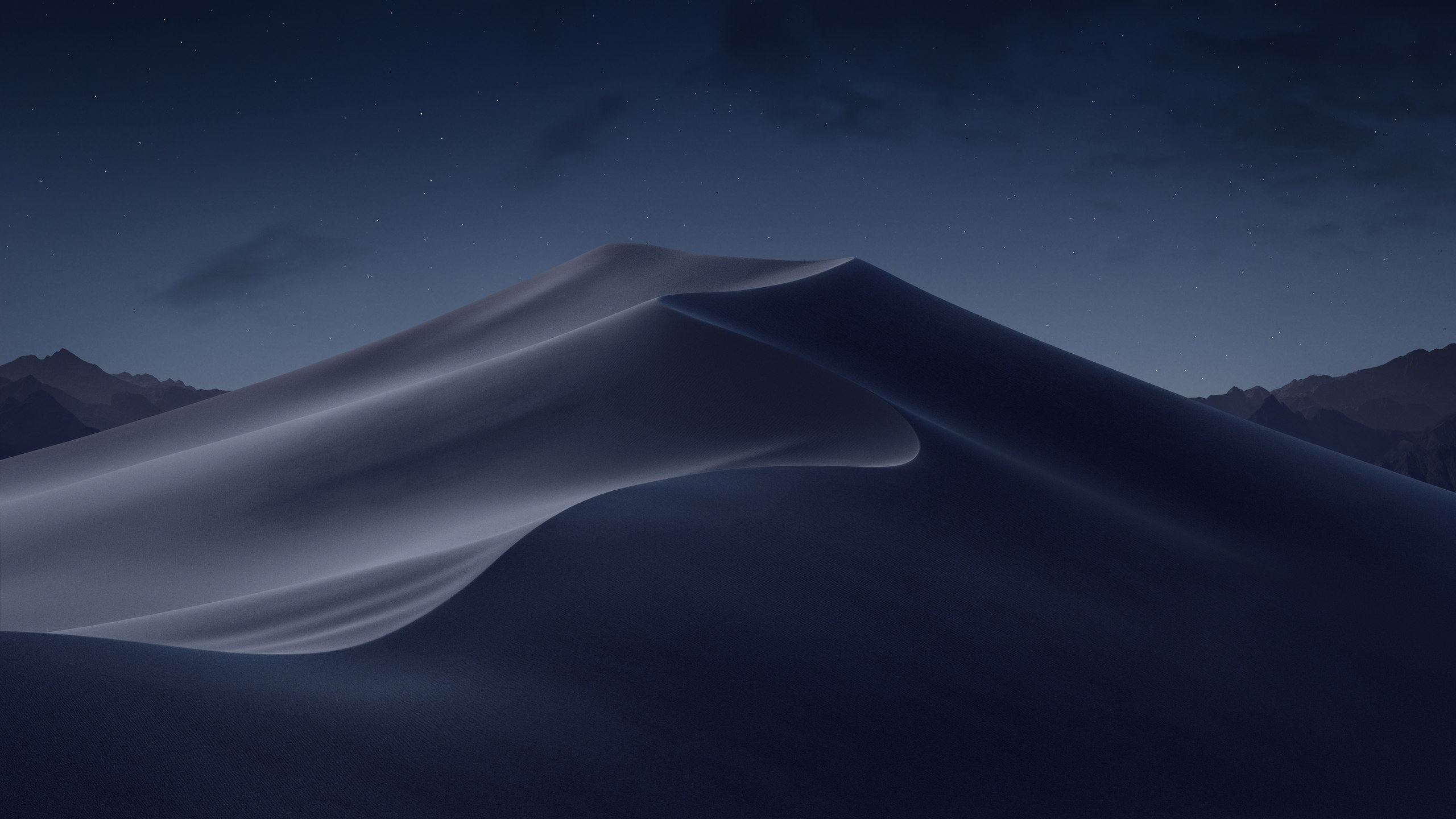
Turn the lights down.
Overview
Dark Mode arrived — not a dark menu bar as in Yosemite, but the entire system redrawn: windows, sidebars, menus, controls, and an API so that every other app could follow. And with it came Dynamic Desktop, a wallpaper that shifts through the day.
Mojave's dune is the same dune twice, photographed at dawn and after dark, easing between the two according to your clock and where you are. Every macOS since has shipped a light and a dark version of its default wallpaper — which is why this archive can offer a switch at all, and why every page before this one has only one picture to show.
Dark Mode
A system-wide appearance rather than a per-app theme: one setting, honoured by the Finder, by Mail, by Xcode, and by anything that used standard controls. Dynamic Desktop tied the wallpaper to it, so the room and the screen dimmed together.
Mojave's dune, at dawn and after dark
Features
A new appearance, a tidier desktop, and the last stand of 32-bit software.
The whole system redrawn dark, with an API so third-party apps could adopt it properly rather than inventing their own approximations.
At launch
A wallpaper with a time of day baked into it, easing between images as the hours pass — the mechanic every release since has shipped.
At launch
Desktop clutter gathered automatically into piles by kind, date or tag. Scrubbing across a stack flicked through what was inside it.
At launch
Take a photo or scan a document with an iPhone and it dropped straight into the document open on the Mac. Four years before Ventura made the phone a webcam.
At launch
Shift-Command-5 brought a proper toolbar with screen recording, timers, and thumbnails you could mark up before they hit the desktop.
At launch
Rotate, trim, mark up or run a workflow straight from the Finder's preview pane, without opening an application.
At launch
Rebuilt with editorial stories, video previews and proper discovery, borrowing the shape of the iOS App Store's redesign the year before.
At launch
Four iOS apps brought over on the internal framework that became Catalyst, as a public demonstration of the idea a year early.
At launch
Apps had to ask before reaching the camera, microphone, Mail messages, Safari data or backups — the strictest privacy tightening since SIP.
At launch
32-bit
Mojave nagged. Opening a 32-bit application produced a warning that it was not optimised and would not work with future versions of macOS — a countdown notice, shown once every thirty days.
Catalina made it true. Every 32-bit binary stopped launching, which retired a great deal of software with no 64-bit successor: old games, plug-ins, installers, and a long tail of small tools their authors had moved on from. Mojave remains, for that reason, the last stop for a certain kind of library.
Desktop
Here is where this page's switch becomes real. Mojave shipped the first light and dark pair Apple ever made, and the first Dynamic Desktop — pick one and the page follows, exactly as the desktop did.
Mojave's Dynamic Desktop held sixteen exposures of the same dune, easing between them across the day using your Mac's clock and location. Every release since has shipped at least a light and a dark version of its wallpaper — and every page in this archive before Mojave has only one.
Lineage
California landmarks from Mavericks onward. Mojave took the desert, and shot the same dune sixteen times in a day to do it.
macOS 10.14 · 2018
Dark Mode, Dynamic Desktop, and the last release to run 32-bit apps.
Compatibility
Mojave required Metal-capable graphics, which cut deeper than a model-year list suggests — some 2012 machines qualified only after a graphics card upgrade.