Launchpad
Every app as a page of icons, with folders and swiping. Divisive on a desktop, but the clearest single statement of where Apple's attention had moved.
At launch
The Mac, with iPad ideas in it.
Overview
Apple called the event "Back to the Mac", and meant it literally: ideas that had gone out to iPhone and iPad were coming home. Launchpad, full-screen apps, natural scrolling, autosave, resume, and an operating system you bought from a store on the machine itself.
There was no disc. Lion was a download from the Mac App Store, thirty pounds, and if you needed media you bought a USB stick separately. It also removed Rosetta, ending PowerPC software on the Mac for good, and it introduced Recovery HD — a repair partition that meant you no longer needed the installer at all.
Launchpad
The iPad home screen, transplanted whole: pages of icons, folders made by dragging one onto another, and a swipe to move between them. Not everyone kept it — but it is still in macOS, and this archive's own front page is built on the idea.
Applications, as pages of icons
Features
Two hundred and fifty changes, a good half of them arriving from iOS.
Every app as a page of icons, with folders and swiping. Divisive on a desktop, but the clearest single statement of where Apple's attention had moved.
At launch
Exposé, Spaces, Dashboard and full-screen apps merged into one view. Simpler in principle; a good deal argued over in practice.
At launch
A proper system-level full screen with its own space and a swipe to reach it, rather than each app inventing its own.
At launch
Peer-to-peer file transfer between nearby Macs with no network setup at all. iOS would not get it for another two years.
At launch
Documents saved themselves continuously and kept a browsable history, presented in the same starfield Time Machine used.
At launch
Full-disk XTS-AES-128 encryption of the whole volume, replacing Panther's encrypted-home-folder approach entirely.
At launch
A hidden partition that could reinstall, repair or restore without any external media — the reason nobody keeps an install disc any more.
At launch
Lion was the first Mac OS sold only as a download. No box, no disc in the shop, £20.99 and about four gigabytes.
At launch
PowerPC applications stopped running altogether. For a lot of people this was the release that finally forced a decade-old application out of their workflow.
At launch
Direction of travel
For twenty-five years the Mac had exported its ideas: windows, menus, the desktop metaphor, all of it went outward. Lion was the moment the traffic reversed and the iPad started sending things back — the icon grid, the full-screen app, scrolling that moved the content rather than the view.
Natural scrolling in particular caused genuine upset. Apple reversed the direction of two decades of muscle memory to match the touchscreen, made it the default, and left the switch in System Preferences for everyone who was not having it.
Desktop
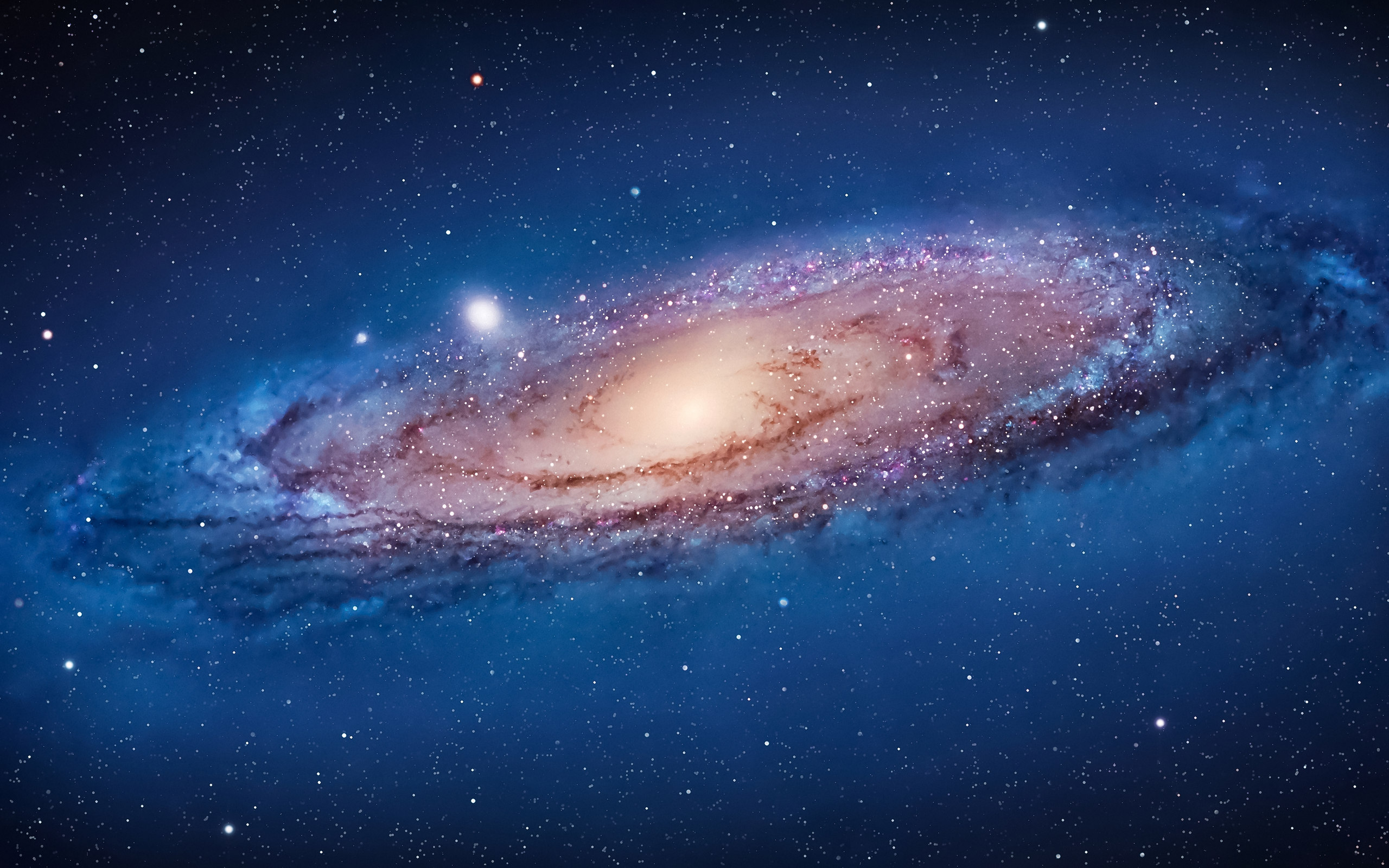
Lion's default was the Andromeda galaxy — a photograph, not an abstract, and the deepest the desktop had ever gone into space.
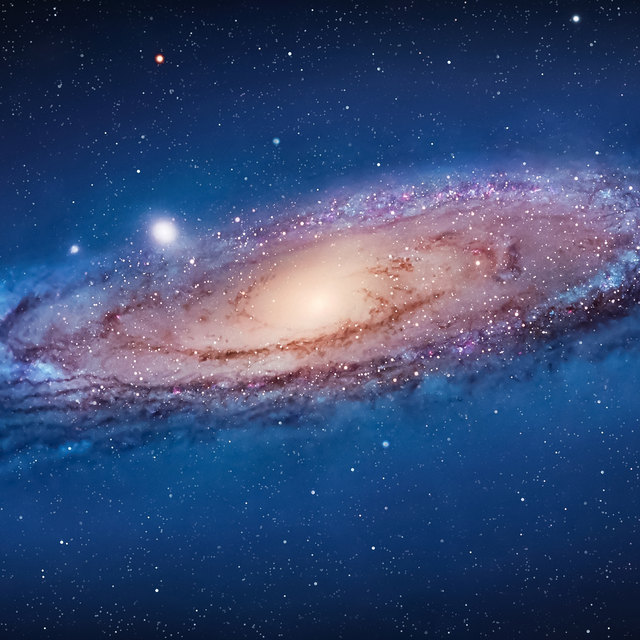 AndromedaA galaxy, face on
There was only ever one. A system-wide Dark Mode did not arrive until Mojave in 2018, so this page's light and dark appearances are ours, not Apple's — the switch in the corner still works, but the desktop of the day looked like this and only this.
Lineage
Apple named ten releases after big cats before moving to California in 2013.
macOS 10.6 · 2009
Almost no new features, on purpose. Grand Central Dispatch, OpenCL, half the disk space.
macOS 10.7 · 2011
The iPad's ideas arriving on the Mac, delivered through the Mac App Store.
macOS 10.8 · 2012
iCloud everywhere, Notification Centre, Messages — and the year "Mac" left the name.
Compatibility
Lion needed a 64-bit Core 2 Duo or better, which retired the first generation of Intel Macs built on the 32-bit Core Duo.