Finder Tabs
Multiple folders in one window, with drag-between and full-screen support. A decade behind the browsers, and welcome anyway.
At launch
Free. And named after a wave.
Overview
Apple had run out of big cats after ten releases and turned to California landmarks, starting with a surf break famous for waves the size of buildings. It also stopped charging: Mavericks was free, to everyone, on the day it was announced as shipping.
Under that, the theme was battery. Timer Coalescing grouped wake-ups so the processor could stay idle longer, App Nap throttled applications you could not see, and Compressed Memory squeezed inactive pages instead of writing them to disk. Apple claimed an hour more on a MacBook Air, and reviewers largely found it.
Finder Tabs
Browsers had had tabs for a decade; the Finder finally got them, along with Tags, which let a file belong to several categories at once without living in several places.
Folders as tabs in a single window
Features
Battery life, mostly — plus the tabs and tags people had been asking for since Panther.
Multiple folders in one window, with drag-between and full-screen support. A decade behind the browsers, and welcome anyway.
At launch
Coloured, named labels a file could carry several of at once, surfaced in the Finder sidebar and in the save dialog.
At launch
Applications that were hidden, idle and not making noise were throttled hard, which is why a forgotten window stopped costing you an hour of battery.
At launch
Inactive pages compressed in RAM instead of written to disk. Faster than swapping and, on the flash storage of the era, kinder to the drive.
At launch
Each display got its own menu bar, its own Dock on demand, and full-screen apps stopped blanking the second screen.
At launch
Apple Maps arrived on the Mac and could send a route straight to an iPhone for the drive.
At launch
The iOS bookstore and reader on the desktop, syncing position and notes across devices.
At launch
Passwords and card details synced and encrypted across Macs and iOS devices — the ancestor of the Passwords app eleven years later.
At launch
Replying to a message or deleting a mail straight from the banner, without switching to the app.
At launch
Free
Mac OS X had been £85 in 2001 and around £20 by 2011. In October 2013 Apple put the price at zero and left it there, funding the work from hardware margins instead.
It changed adoption sharply. Where paid releases had taken years to reach most users, free ones reached a majority within months — which in turn let Apple assume newer APIs far sooner than it once could.
Desktop
Four releases in orbit ended here. Mavericks put a wall of Pacific water on the desktop — the first of the California landscapes that macOS has used ever since.
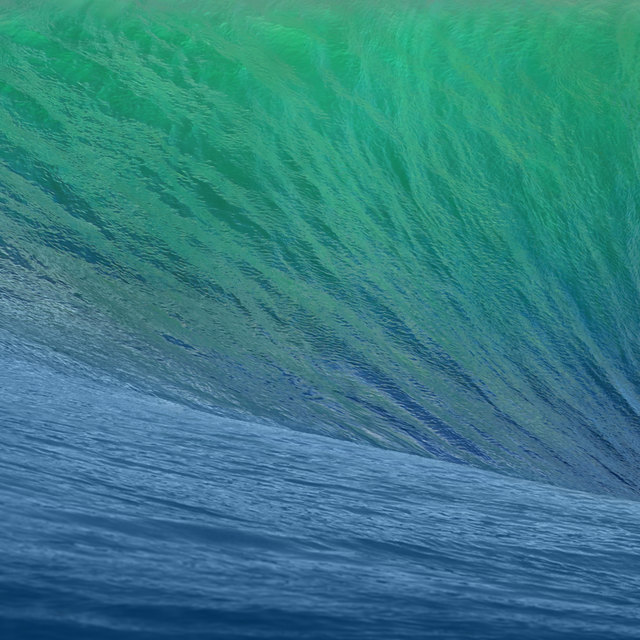 MavericksA wall of Pacific water
There was only ever one. A system-wide Dark Mode did not arrive until Mojave in 2018, so this page's light and dark appearances are ours, not Apple's — the switch in the corner still works, but the desktop of the day looked like this and only this.
Lineage
After ten big cats, Apple turned to California landmarks. Mavericks is a surf break about twenty miles south of San Francisco.
macOS 10.8 · 2012
iCloud everywhere, Notification Centre, Messages — and the year "Mac" left the name.
macOS 10.9 · 2013
Free, for the first time — and the first named after a place rather than a cat.
Compatibility
Mavericks ran on exactly the machines Mountain Lion did — the rare year where nothing was dropped, helped along by the fact that it was free.